 atareh
AI Workflow · SEP 23, 2026
Meta's Muse can tell you who unfollowed you on Instagram
Muse, Meta's new AI agent, reads your Instagram data directly. Ask who doesn't follow you back, put it on a daily check, or have it unfollow them for you.
Meta shipped a personal AI agent called Muse, and it has access to your Instagram account. That means you can finally ask the question people have been paying sketchy third-party apps to answer for a decade: who unfollowed me? You get a list back in a few seconds. Ask it to, and it'll unfollow them for you too.
Here's exactly what I typed, what came back, and the invite code if you want in.
What Muse actually is
Muse is Meta's agent, not a chatbot bolted onto a feed. You give it a goal and it goes and does the thing. Because it lives inside the Meta ecosystem, it can see your Instagram and Facebook data directly: who follows you, who you follow, what changed since yesterday. No screenshots, no exporting your data, no handing your password to an app called “Unfollowers Pro 2.”
That access is the whole story. An assistant is only as useful as the data it can reach and the actions it's allowed to take, and Meta gave this one both.
Ask who doesn't follow you back
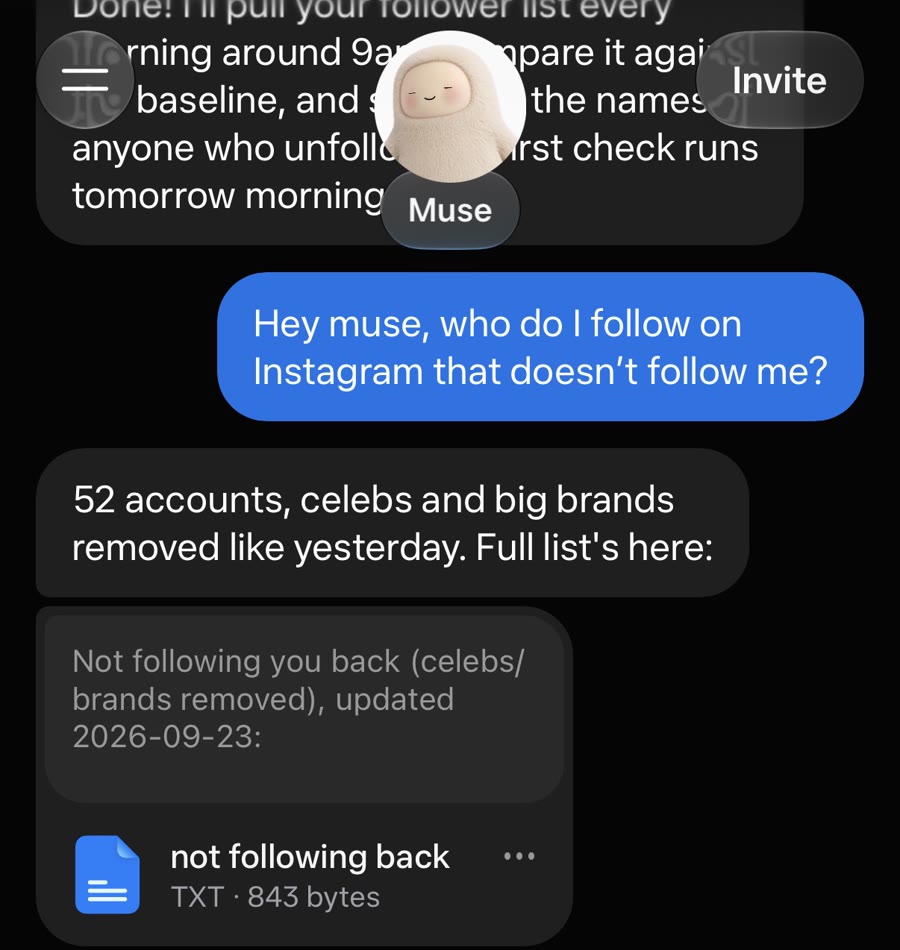
This is the prompt I used, word for word:
Hey muse, who do I follow on Instagram that doesn't follow me?It thought for a bit, then came back with 52 accounts and a text file of handles. It also filtered out celebrities and big brands on its own (Nike was never going to follow me back), which is what you'd want but didn't have to ask for.
Put it on a daily check
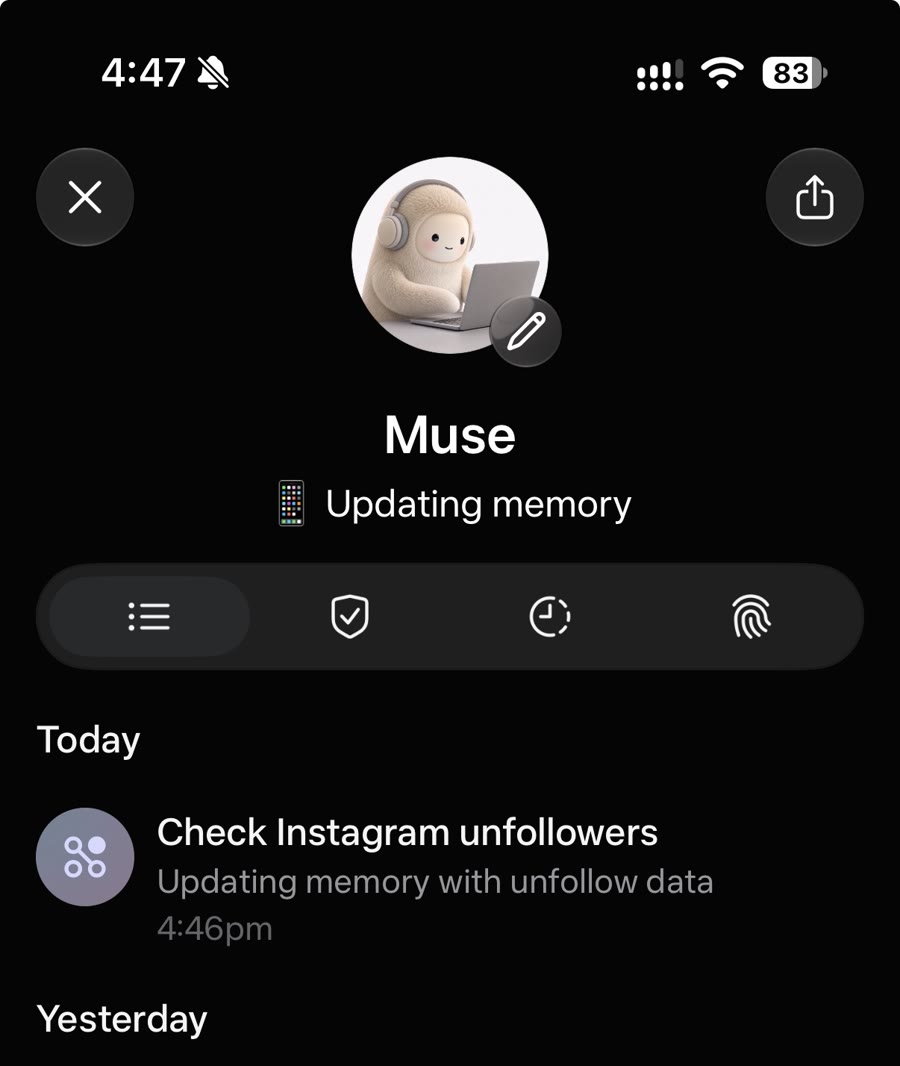
Muse can run things on a schedule. Ask it to watch your followers — something like this works — and it sets up a recurring job:
Check my Instagram followers every morning and tell me who unfollowed me.Its reply: it'll pull the follower list every morning around 9am, compare it against the baseline, and send me the names of anyone who left. You can see the job in Muse's activity log, listed as “Check Instagram unfollowers.”
Have it unfollow them for you
This is the part that's going to cause drama. Muse doesn't just report. It can act:
Muse unfollow everyone who doesn't follow me on Instagram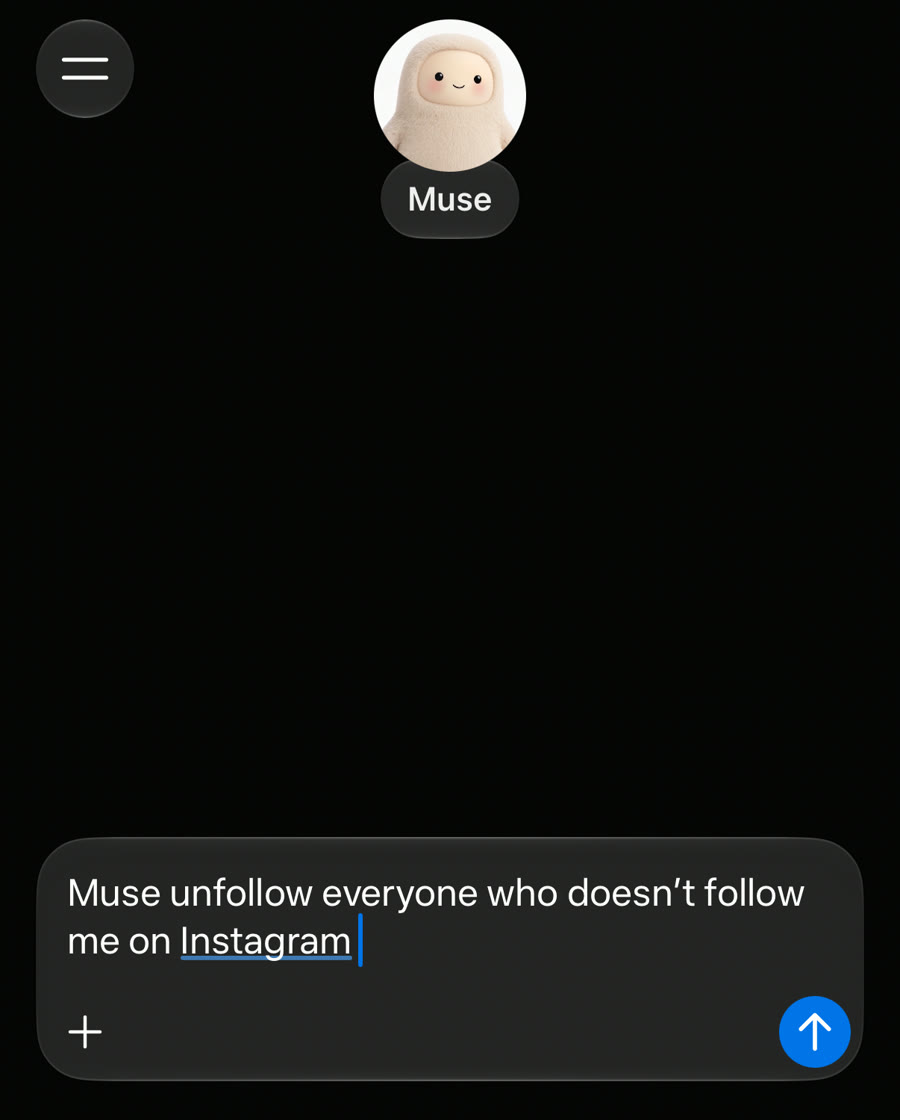
Get access with my invite code
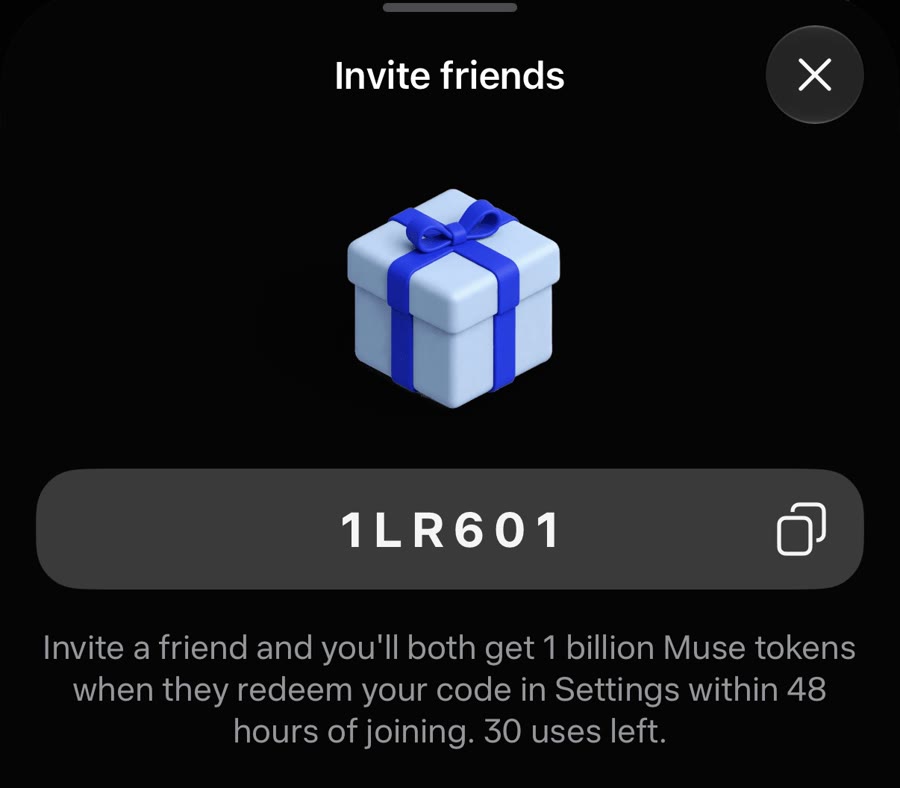
Muse is free. Invite codes get you extra usage: when you redeem mine, we both get 1 billion Muse tokens.
Sign up at muse.ai
Go to muse.ai and create your account.
Redeem the code in Settings within 48 hours
Open Settings in Muse and enter the code below. It only works within 48 hours of joining, so do it right away.
1LR601
It does a lot more than unfollowers
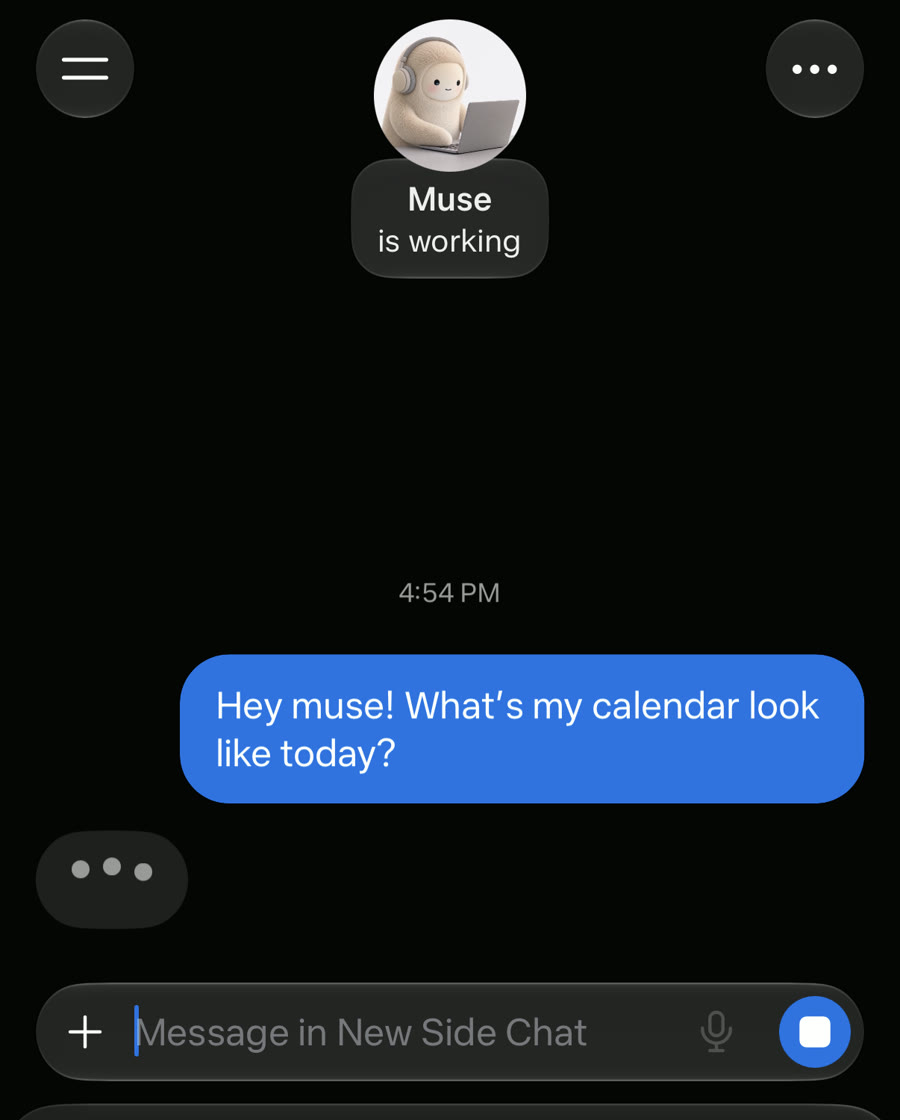
The unfollow trick is the hook, but it's the least interesting thing Muse can do. It's a general agent: it reads your calendar, handles errands, and keeps memory across chats. Same idea as the Instagram question: plain English in, action out.
I'm going to keep testing it and post what holds up. In the meantime, grab the code, run the unfollow check, and try not to get into too much trouble.
Written by
@atareh
AI architect & creator. Writing, designing, and producing in AI and tech. Previously head of product at a healthtech SaaS; background in molecular science. Founded gogray.today in 2017.
Related
Keep reading.
Made by @atareh · x / twitter · instagram