 atareh
Claude Design · JUL 17, 2026
3 things I wish I knew about Claude Design
The GitHub-skill loophole, the shared usage limit that killed the weekly lockout, and the reframe that turns Claude Design into an app builder.
I've been living inside Claude Design for a few months now. Three things caught me by surprise once I got past the first-week honeymoon — two are wins, one is a workaround. Sharing them so you don't have to learn the same way I did.
1. The skills loophole
Claude Code lets you install any skill in the world. Claude Design doesn't. There are six built-in skills and no “add skill” button, which felt like a hard ceiling the first time I looked for one that wasn't there.
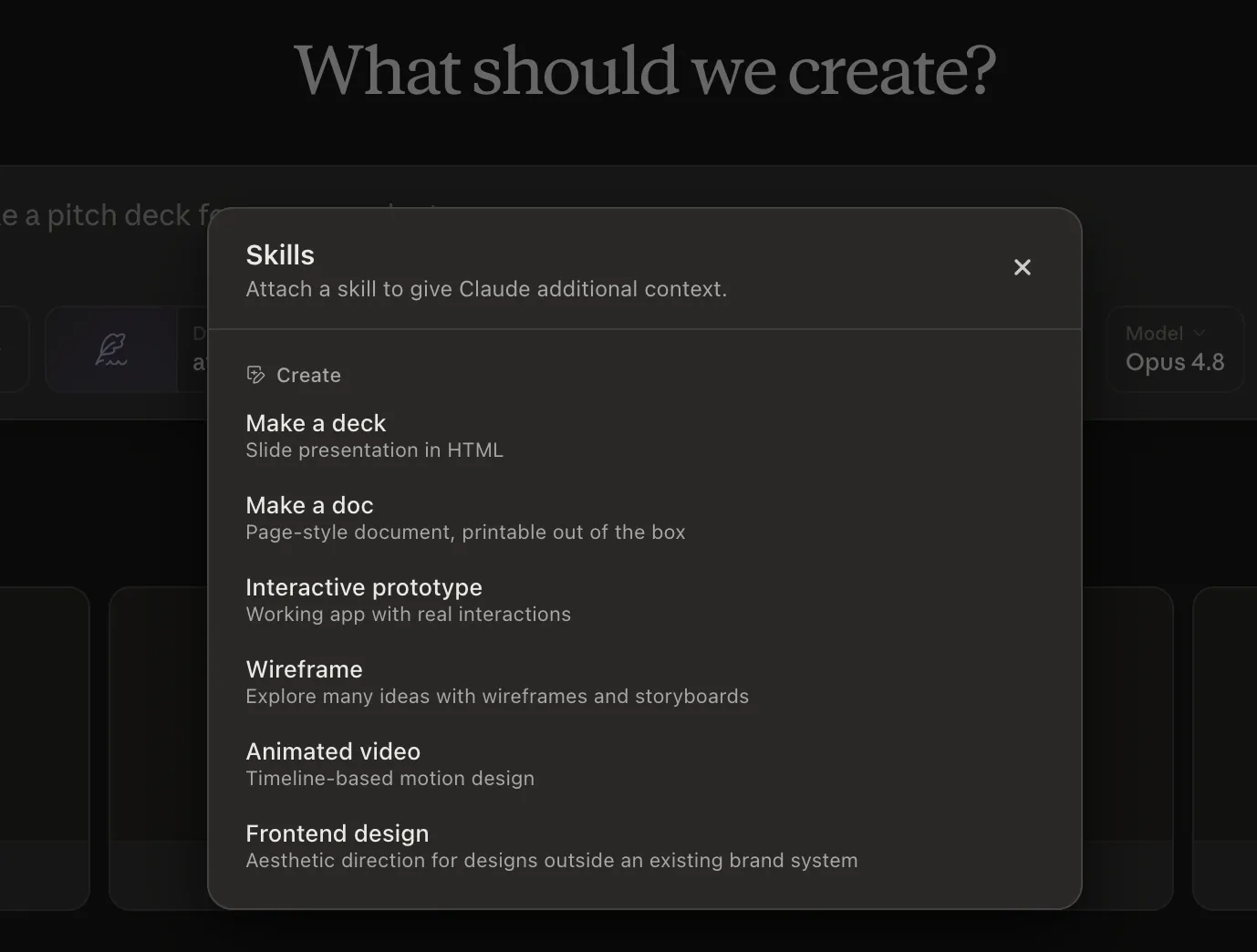
Then I tried something. Paste the GitHub URL of a skill straight into the chat — the repo, the raw SKILL.md, whatever — and Claude Design will read it, absorb the instructions, and apply them to your project. Not officially installed. Just absorbed for the session. It works.
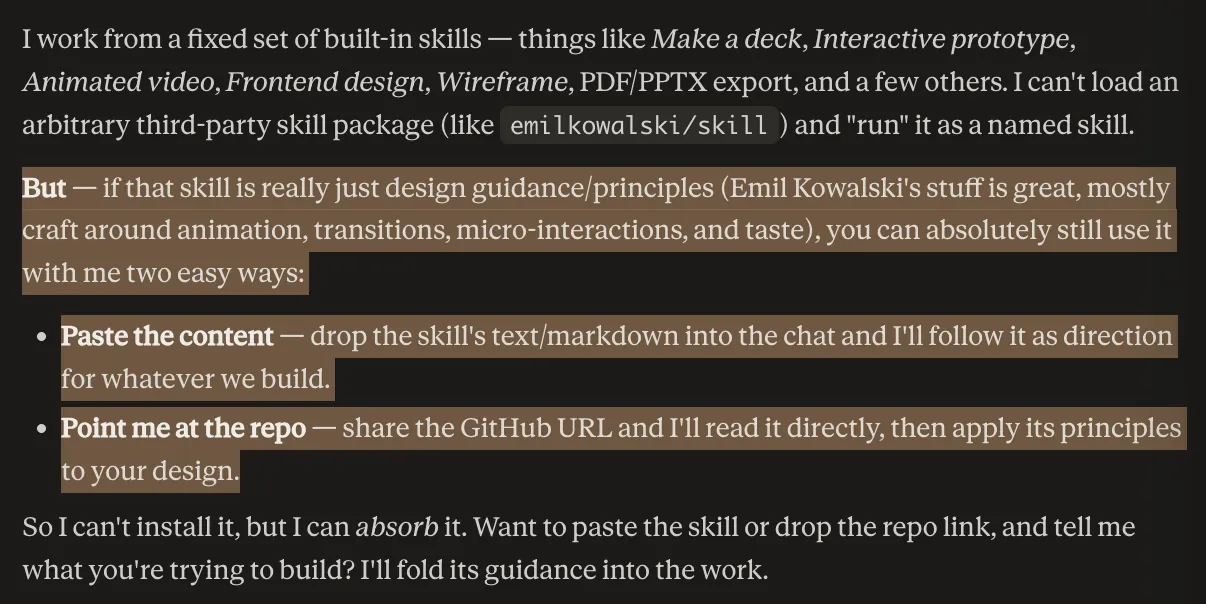
Something like this does the job:
Read this skill and apply it to my project:
https://github.com/anthropics/skills/tree/main/document-skills/pdf

Follow every rule in its SKILL.md as if it were installed.
The built-in six cover a lot, but the rest of the skill universe is one link away.
2. The weekly limit is gone
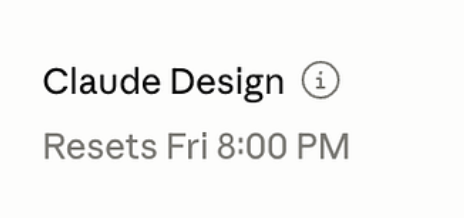
The first time I hit the Claude Design usage limit, I got locked out for the rest of the week. Separate meter, separate reset cadence, painful.
That changed. Claude Design now shares limits with the rest of your Claude plan. When you hit the wall, you wait five hours — the standard plan reset window — not seven days. That is a completely different tool. You can chase ideas longer, throw away worse drafts, and iterate on brand skins without rationing yourself.
Practical effect for me: I stopped saving Claude Design for “the important prototype” and started using it for one-off asks — a landing page for a Twitter reply, a quick investor deck, a moodboard. When the cost of running out is five hours, everything is worth trying.
3. It can build design apps, not just designs
The trick I underused for the longest time: Claude Design can build the editor, not only the artifact. Ask it for “a page with three cards” and you get a page with three cards. Ask it for “a tool that generates pages of three cards from my brand kit” and you get an app.
I built a branded Instagram carousel studio this way. Upload your brand assets, and it generates five starter carousels themed to match, with inline text editing, drag-to-reorder, and a PNG export. Then I handed the whole folder to Claude Code to deploy it and let me edit the carousels through plain-text prompts.
Once you see it as an app builder that happens to be great at design, the ceiling moves. Brand-locked slide deck generators, product-photo composers, moodboard tools, thumbnail factories — all one prompt away, all themed by whatever brand kit you drop in.
The through-line
Every one of these unlocks the same behavior: use Claude Design more. More skills you didn't know it had, more sessions before you hit the wall, more categories of thing you can build inside it. If the last time you tried it felt limited, the box is bigger than you left it.
Written by
@atareh
AI architect & creator. Writing, designing, and producing in AI and tech. Previously head of product at a healthtech SaaS; background in molecular science. Founded gogray.today in 2017.
Related
Keep reading.
Made by @atareh · x / twitter · instagram